Email Revenue Tracking Readiness Checklist for Reliable Revenue Analysis
Email marketing can drive repeat purchases, nurture leads, recover abandoned carts, and influence revenue across the customer journey. But before teams analyze performance or prepare reporting, they need confidence that revenue tracking is accurate and consistent.
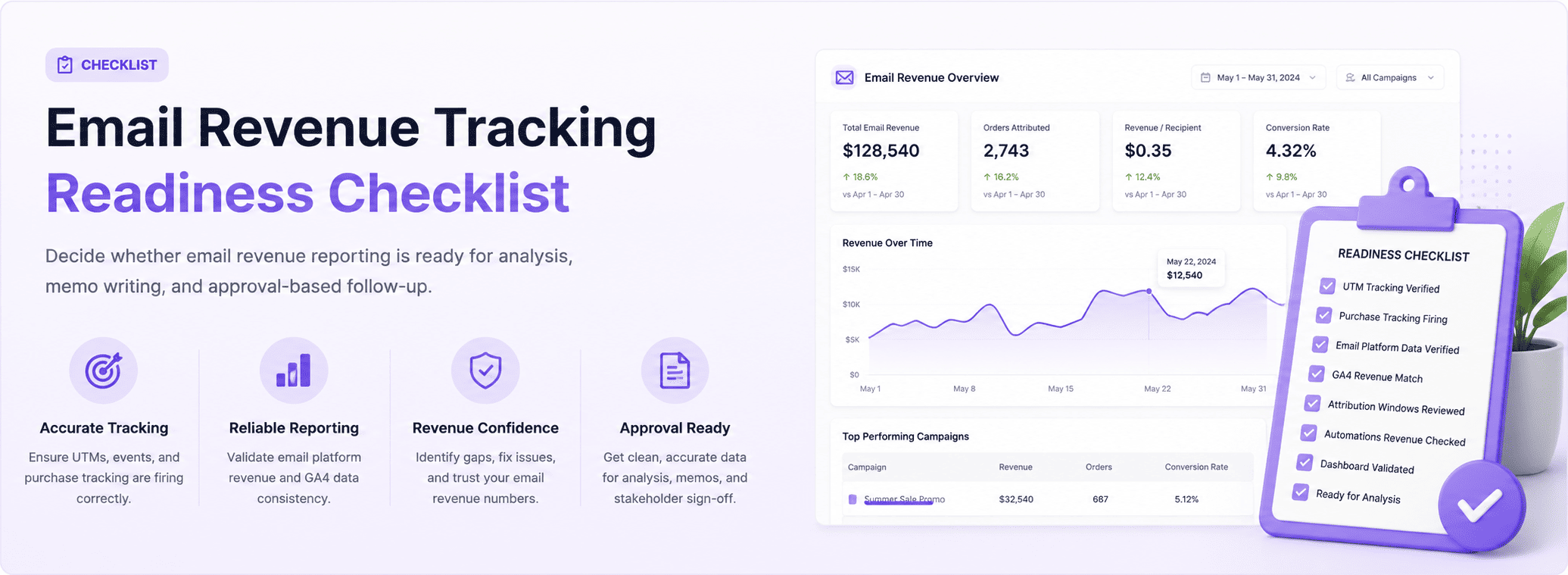
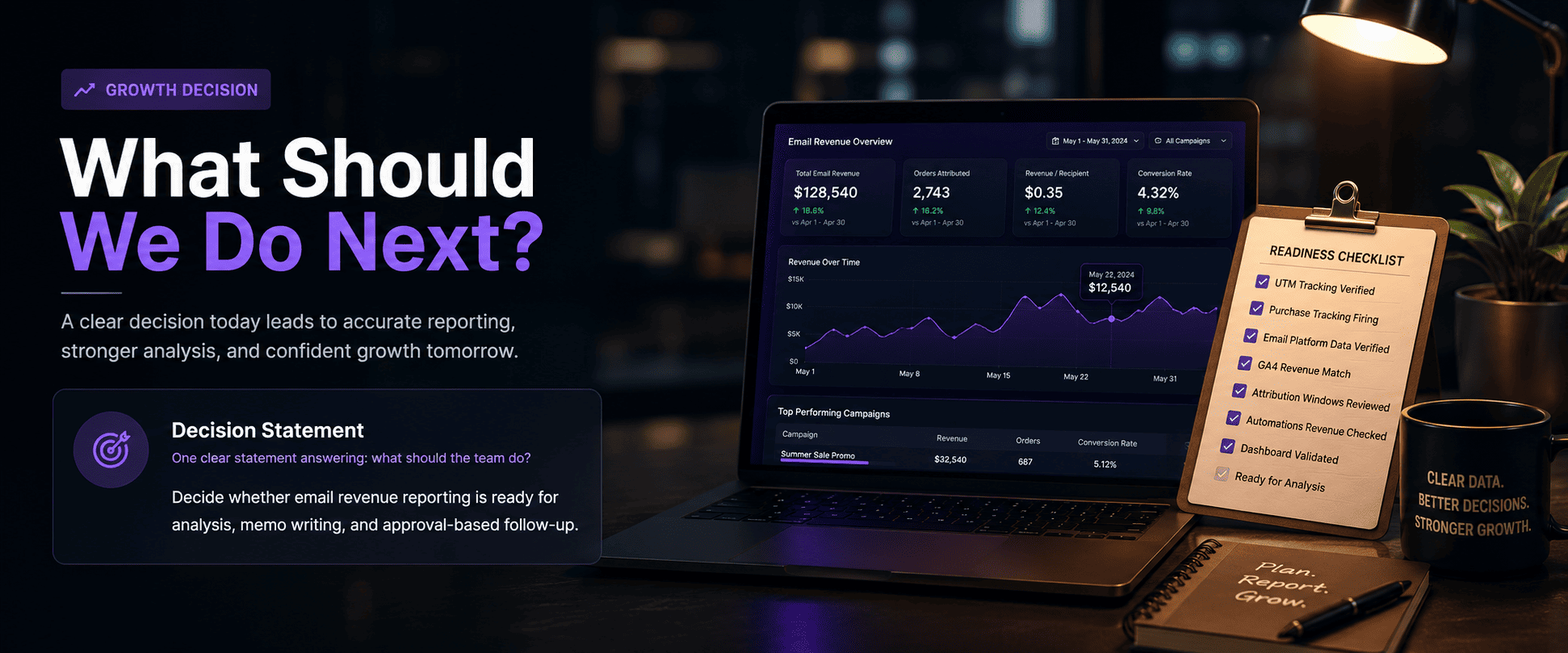
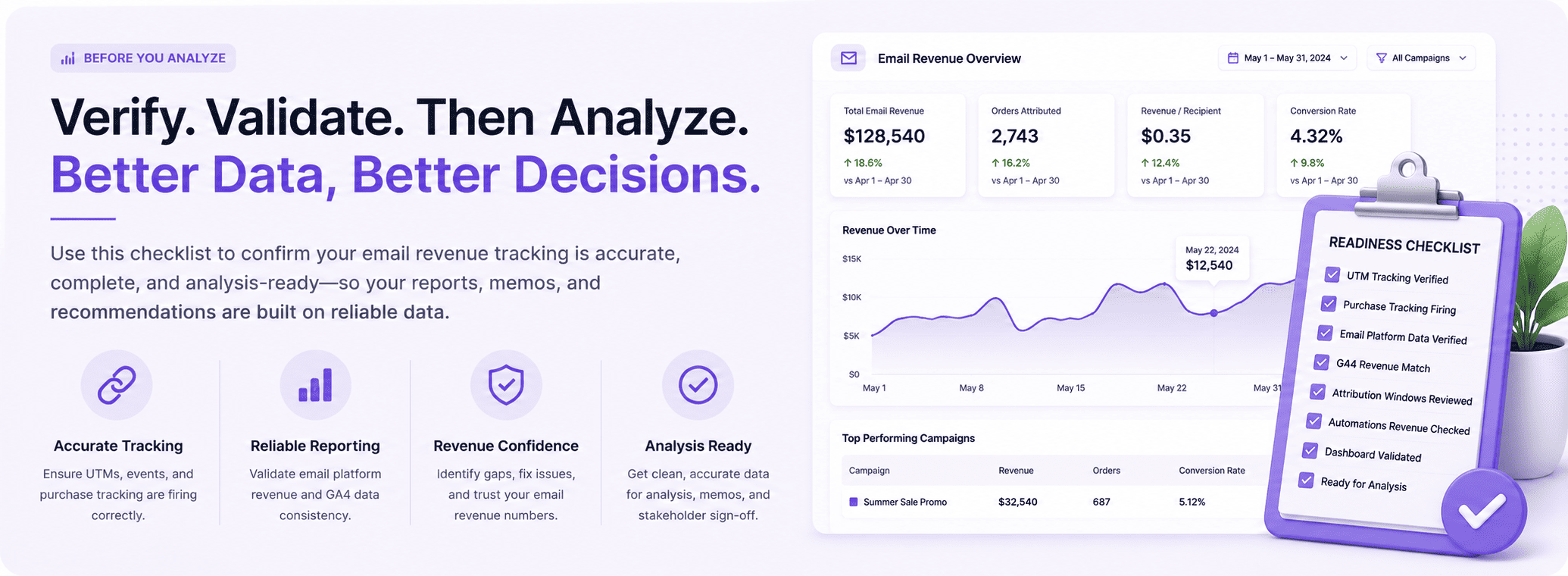
An email revenue tracking readiness checklist helps verify whether campaign attribution, ecommerce reporting, tracking links, and revenue data are reliable enough for analysis, internal memos, and approval-based decisions.
For email revenue analysis, accurate tracking matters because even small gaps in attribution or reporting can make campaign results look stronger or weaker than they actually are.
Why Email Revenue Tracking Readiness Matters
Email revenue is often spread across:
- Broadcast campaigns
- Welcome sequences
- Abandoned cart flows
- Product launches
- Lifecycle automations
- Promotional newsletters
Without reliable tracking teams may:
- Misread campaign ROI
- Attribute revenue incorrectly
- Overvalue one email flow
- Miss assisted revenue impact
- Report incorrect numbers internally
- Approve weak campaigns too early
A readiness checklist creates cleaner reporting and stronger decision-making.
1. Confirm UTM Tracking on Every Email Link
Start with tracking links.
Every revenue-driving email should use consistent UTM parameters.
Check:
- utm_source=email
- utm_medium=email
- utm_campaign naming
- utm_content variations
- Flow-specific parameters
- Destination URL accuracy
Missing or inconsistent UTMs reduce attribution quality.
2. Validate ESP Revenue Reporting
Your email platform should match campaign performance correctly.
Review:
- Delivered emails
- Open rate
- Click-through rate
- Orders attributed
- Revenue per campaign
- Flow revenue totals
Check whether reporting updates correctly after campaigns send.
3. Compare Email Revenue with GA4
Revenue attribution should be reviewed against analytics.
Check:
- Email sessions
- Revenue by campaign
- Landing pages
- Conversion paths
- Assisted conversions
- Session behavior
Large differences may indicate tracking gaps.
4. Review Ecommerce Purchase Tracking
Revenue reporting depends on purchase data being correct.
- Order confirmation tracking
- Revenue values
- Currency formatting
- Refund handling
- Duplicate order prevention
- Tax and shipping capture
If order tracking is incomplete, email attribution becomes unreliable.
5. Validate Automated Flow Revenue
Flows often generate major email revenue.
Review:
- Welcome email revenue
- Cart recovery
- Browse abandonment
- Post-purchase upsell
- Reactivation emails
- Subscription renewals
Check both attributed and assisted revenue.
6. Review Attribution Windows
Email tools may use different windows than analytics tools.
Check:
- Click attribution window
- View attribution window
- Cross-device attribution
- Repeat visitor attribution
- Time delay between click and order
Alignment matters before reporting.
7. Confirm Reporting Dashboard Readiness
Before memo writing or stakeholder review:
- Revenue dashboards updated
- Campaign totals verified
- Flow revenue verified
- Date ranges aligned
- Conversion metrics accurate
- Notes documented
This reduces confusion later.
Email Revenue Tracking Checklist
- UTMs consistent
- ESP reporting verified
- GA4 comparison completed
- Purchase tracking accurate
- Automations reviewed
- Attribution windows aligned
- Dashboard validated
- Ready for analysis
Common Tracking Issues
- Broken UTMs
- Missing campaign names
- Revenue mismatch
- Duplicate orders
- Flow attribution gaps
- Old dashboard data
- Wrong attribution window
Final Takeaway
An email revenue tracking readiness checklist helps teams verify whether email reporting is reliable before analysis and approval-based follow-up.
It improves reporting accuracy, protects decision quality, and helps teams understand which campaigns and flows are actually driving revenue.
When tracking is clean and attribution is aligned, email revenue analysis becomes faster, clearer, and easier to trust.