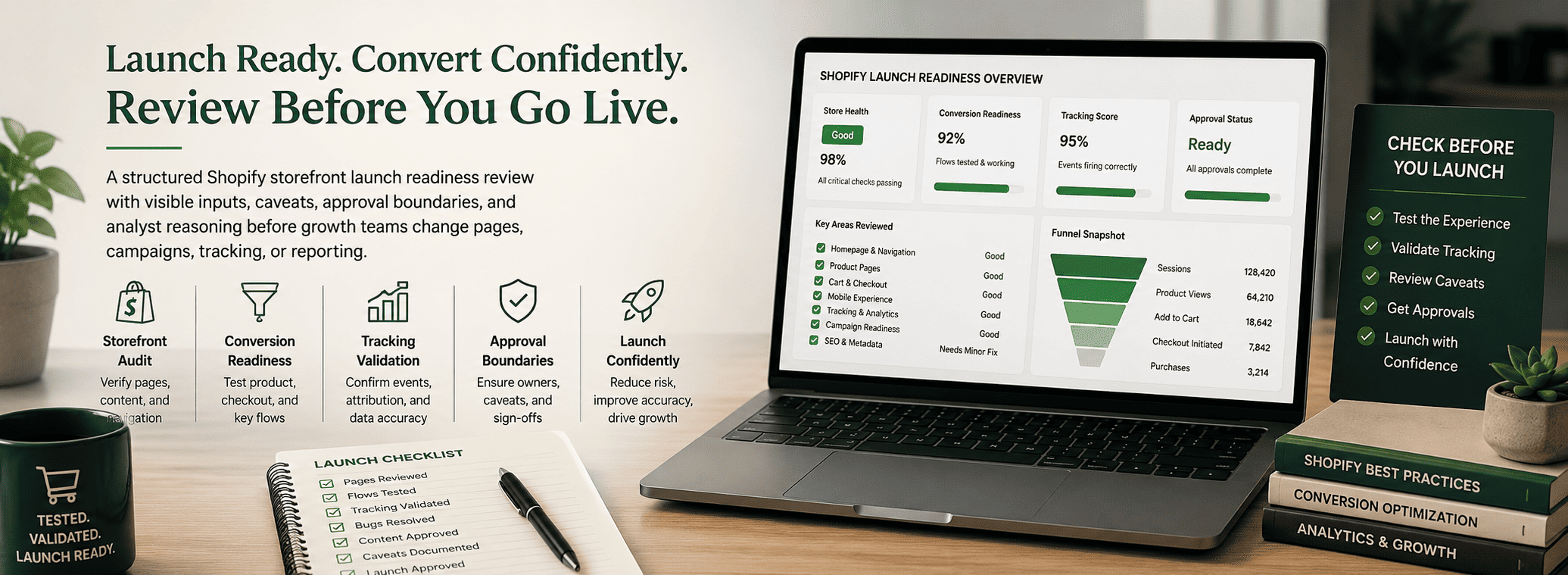
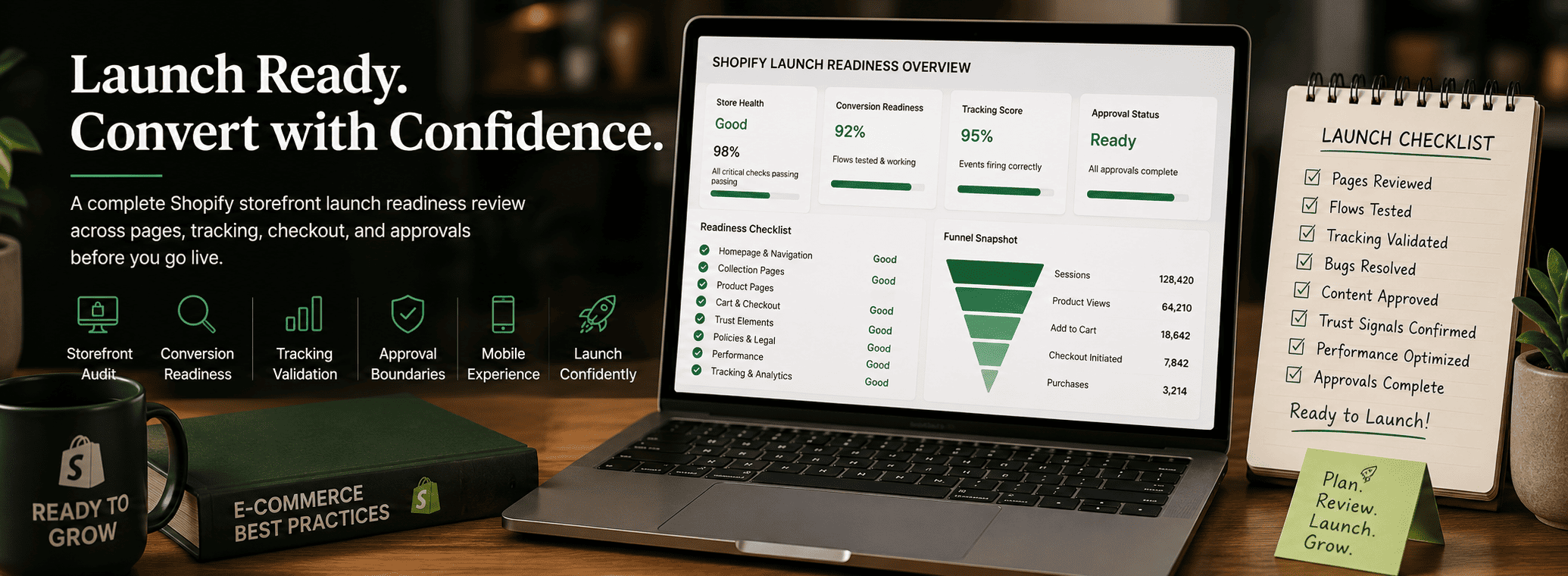
Shopify Storefront Launch Readiness Review for Funnel Conversion Analysis
A Shopify storefront can look ready before it is actually ready for traffic. Product pages may be built, the theme may look polished, campaigns may be scheduled, and the team may feel pressure to launch. But a storefront launch should not be approved only because the site is visible and the design is complete. The store also needs the right foundation, page coverage, navigation context, checkout path, trust signals, analytics setup, and owner approval before growth teams send traffic to it.
A Shopify storefront launch readiness review helps ecommerce teams decide whether the store is ready to launch, should be held, or needs to be sent back for evidence. The review protects funnel conversion analysis because weak launch inputs create weak performance data. If checkout tracking fails, product pages lack proof, or mobile navigation blocks users, the team may misread the funnel later and blame the wrong channel, page, or campaign.
What This Readiness Review Decides
The review should answer one practical question: can this Shopify storefront receive traffic without creating avoidable conversion, tracking, or trust risk? A store may be approved when the core pages work, the product path is clear, checkout is tested, analytics events are reliable, and the launch owner accepts the remaining caveats.
- Approve launch: The storefront foundation, product path, checkout, trust coverage, and tracking are strong enough for traffic.
- Hold launch: A blocker affects conversion quality, payment flow, analytics confidence, or customer trust.
- Send back for evidence: The team cannot verify readiness because source data, QA notes, or owner approval is missing.
- Approve limited traffic: The store is usable, but the launch should begin with controlled traffic while caveats are monitored.
Foundation and Page Coverage
The first review area is storefront foundation. A Shopify store needs more than a homepage and a few products. Buyers need enough context to understand the brand, browse the assortment, compare products, evaluate trust, and complete checkout. Missing support pages can create friction even when product pages look strong.
- Homepage explains the brand, offer, and main shopping paths.
- Collection pages are organized around buyer intent and product categories.
- Product detail pages include descriptions, pricing, images, variants, stock state, and shipping context.
- Support pages cover contact, returns, shipping, privacy, and terms where needed.
- FAQ content answers common objections before checkout.
- Navigation, search, and filters help users reach products quickly.
If these pieces are incomplete, the team should avoid treating launch readiness as a design decision. A visually coherent storefront can still fail if users cannot find products, understand the offer, or resolve basic purchase concerns.
Brand Presentation and Buyer Trust
The reviewer should check whether the storefront feels coherent enough for the next traffic decision. Color, typography, logo usage, image style, page hierarchy, and mobile presentation all shape trust. The issue is not whether the design is perfect. The issue is whether the store looks credible, consistent, and clear enough that buyers can focus on the product.
- Brand assets are consistent across homepage, collections, product pages, and support pages.
- Product images are clear, properly cropped, and relevant to the offer.
- Trust elements such as reviews, policies, guarantees, support access, or secure payment cues are visible.
- Copy builds emotional and logical belief before asking users to act.
- Mobile layout keeps CTAs, pricing, variants, and key details easy to read.
This matters because a launch can create a belief gap. If the storefront attracts visitors but does not explain proof, process, shipping, returns, or next steps, the team may later assume the campaign failed when the real issue was missing trust coverage.
Product Path, Cart, and Checkout Review
The product path is the route from discovery to purchase. The reviewer should test that route like a buyer, not just as an admin. A product may appear correctly in Shopify while the customer experience still breaks through variant selection, cart behavior, discount logic, shipping calculation, or payment completion.
- Product cards lead to the correct product detail pages.
- Variant selectors, size options, bundles, and quantity controls work on desktop and mobile.
- Add-to-cart behavior is clear and does not hide confirmation messages.
- Cart totals, discounts, taxes, shipping, and payment options calculate correctly.
- Checkout fields work without layout issues or preventable errors.
- Order confirmation and post-purchase messaging are complete.
If payment, shipping, or cart behavior is uncertain, the storefront should stay on hold. A campaign can generate visits and add-to-cart events, but those signals do not prove launch quality if customers cannot complete the purchase path reliably.
Analytics, Attribution, and Measurement Confidence
A Shopify launch should not move forward without measurement confidence. The team needs to know whether GA4, Shopify analytics, tag manager, pixel events, Search Console, and campaign tracking can support post-launch reporting. If analytics is incomplete, the team may not be able to separate a real funnel leak from a tracking issue.
- GA4 page views, product views, add-to-cart events, checkout events, and purchase events fire correctly.
- Revenue, currency, product IDs, and order values map correctly.
- UTM parameters are preserved where campaign attribution matters.
- Pixels and tags do not duplicate or miss key events.
- Shopify analytics and GA4 are compared for major reporting differences.
The reviewer should separate decision-driving conversions from diagnostic events. A button click or product view can help diagnose behavior, but it should not be treated like revenue. When conversion quality is unknown, the recommendation should remain caveated until downstream order data, payment signal, or customer quality can be reviewed.
Approval Boundaries and Hold Conditions
The launch review should end with a clear approval state. The team needs to know who owns the next action, what is approved, and what remains on hold. This prevents follow-up from moving forward before the reviewer accepts the evidence.
- Store owner: Approves storefront readiness and launch scope.
- Marketing owner: Confirms campaign timing, landing paths, and offer alignment.
- Analytics owner: Confirms tracking, attribution, and reporting caveats.
- Merchandising owner: Confirms product assortment, pricing, inventory, and collection logic.
- Support owner: Confirms support inbox, policy pages, and customer response readiness.
Final Takeaway
A Shopify storefront launch readiness review helps teams confirm that the store is ready for traffic, not just ready to publish. It connects foundation setup, page coverage, navigation, brand trust, checkout behavior, product assortment, analytics, and approval state into one decision.
When evidence is missing, the output should be a hold note, not a campaign change. The best launch decision is the one that makes the next step visible, approved, and measurable before traffic arrives.